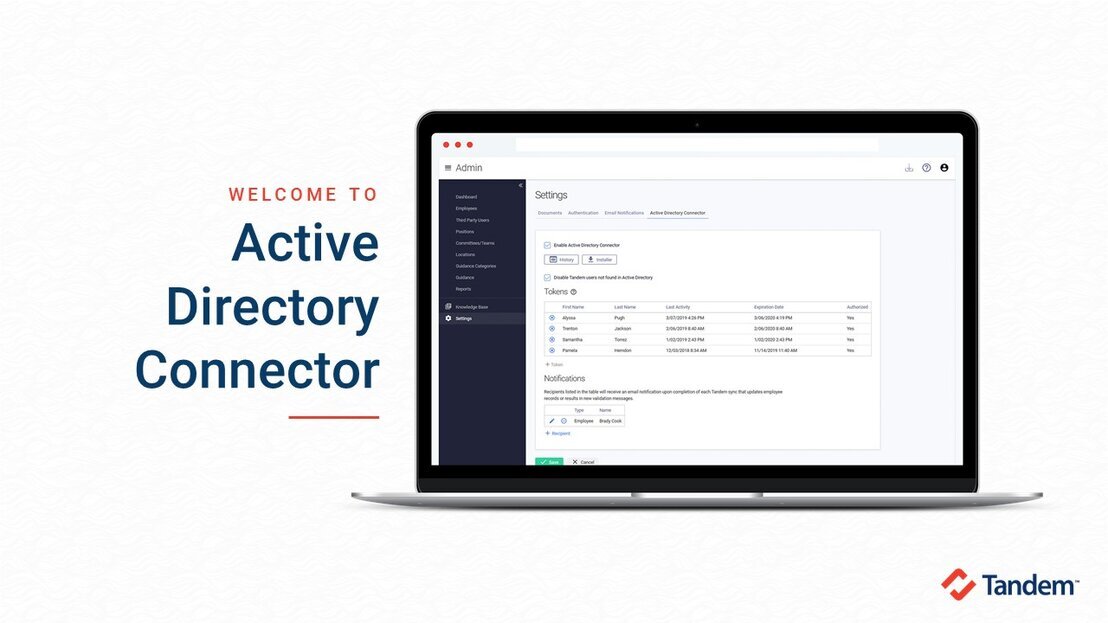
Active Directory Connector
In this video, we demonstrate the Tandem Active Directory Connector add-on feature.

In this video, we demonstrate the Tandem Active Directory Connector add-on feature.
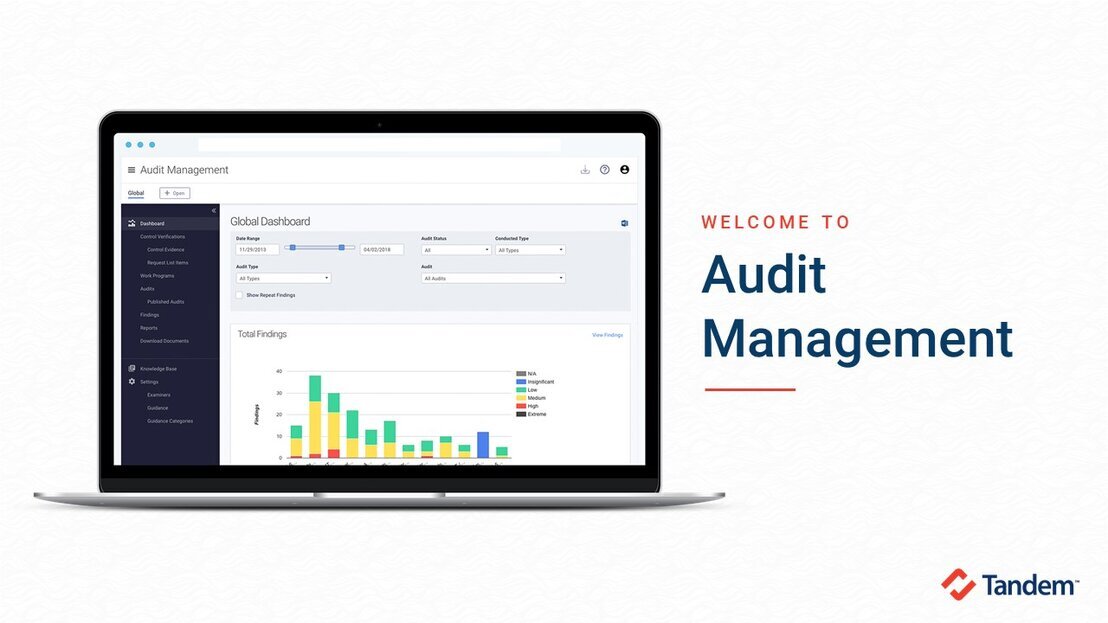
In this video, we demo the Tandem Audit Management product and examine the three versions of the software: Lite, Standard, and Pro.
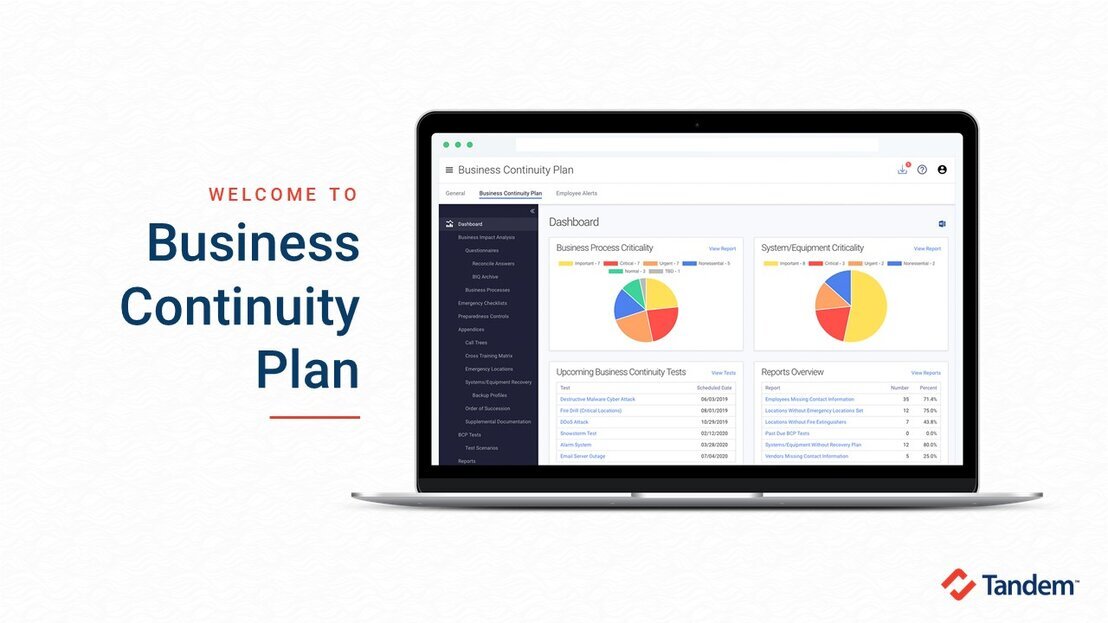
In this video, we review the regulatory requirements of a BCP and demo the Tandem Business Continuity Plan product.
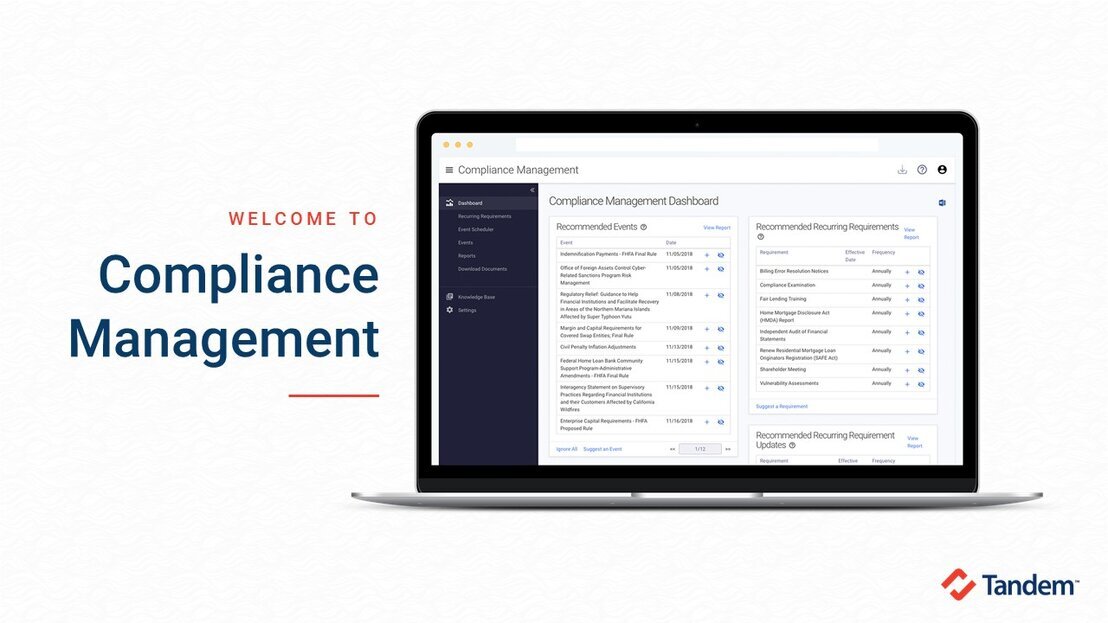
In this video, we demo the Tandem Compliance Management product and review its benefits to compliance event management.
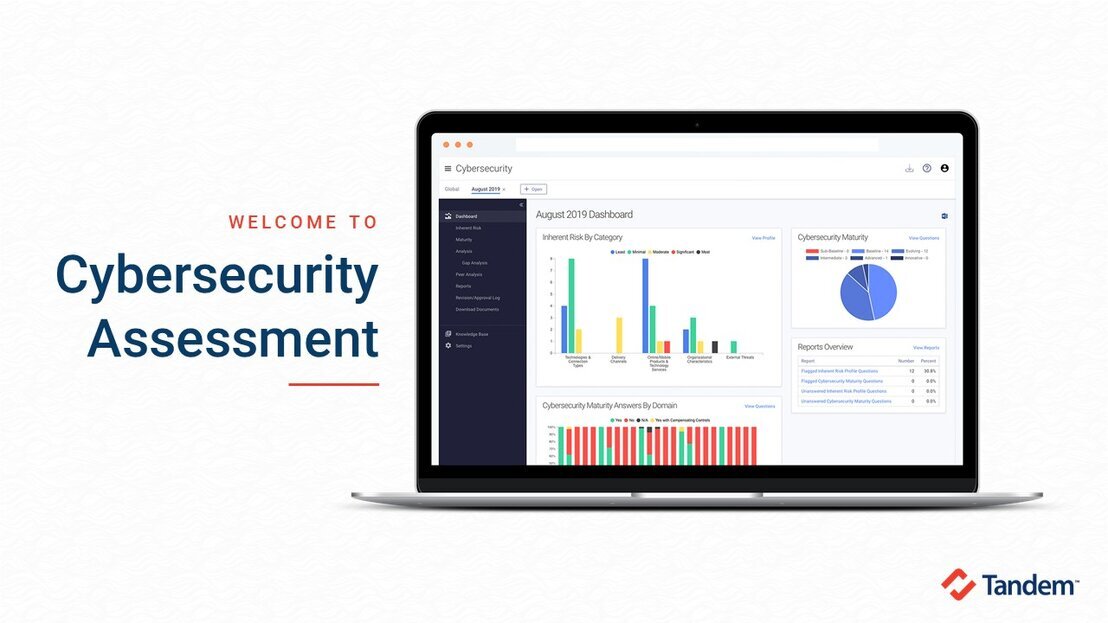
In this video, we review the FFIEC Cybersecurity Assessment Tool, including the May 2017 update and NCUA's ACET features, and demo the Tandem Cybersecurity product.
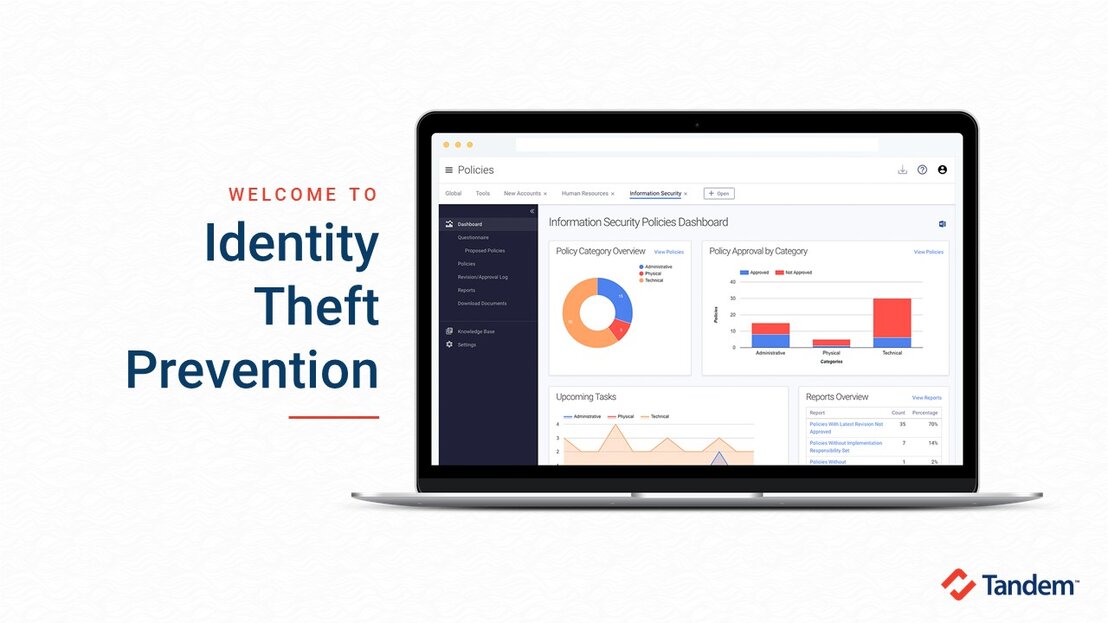
In this video, we review the regulatory requirements of an identity theft prevention program and demo the Tandem Identity Theft Prevention Program product.
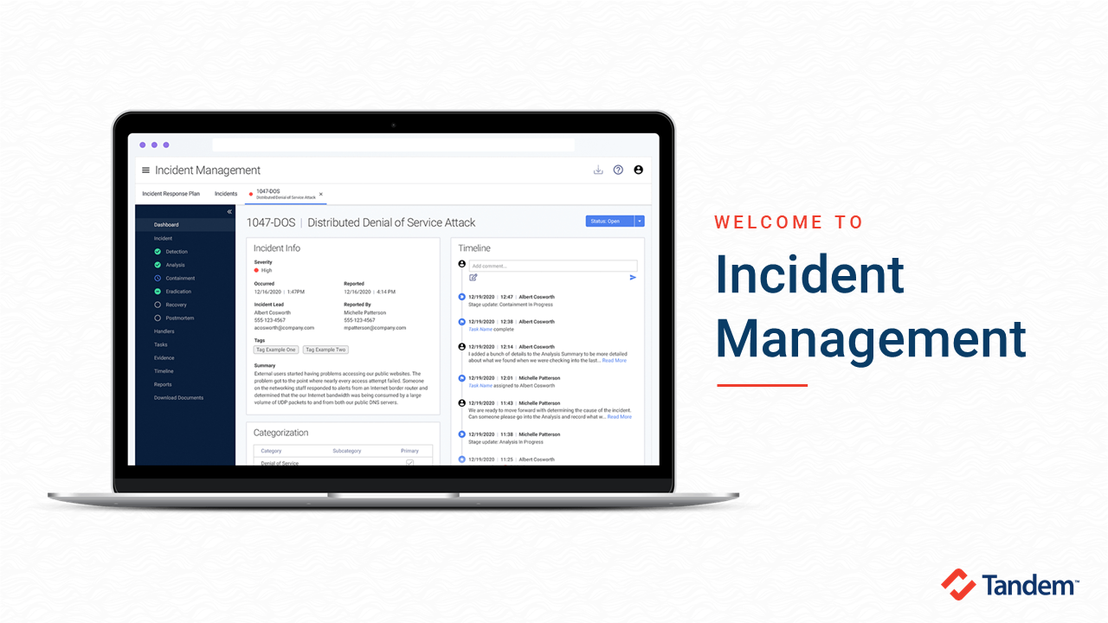
In this video, we demo the Tandem Incident Management product and how to begin effectively managing your incident tracking and response plan.
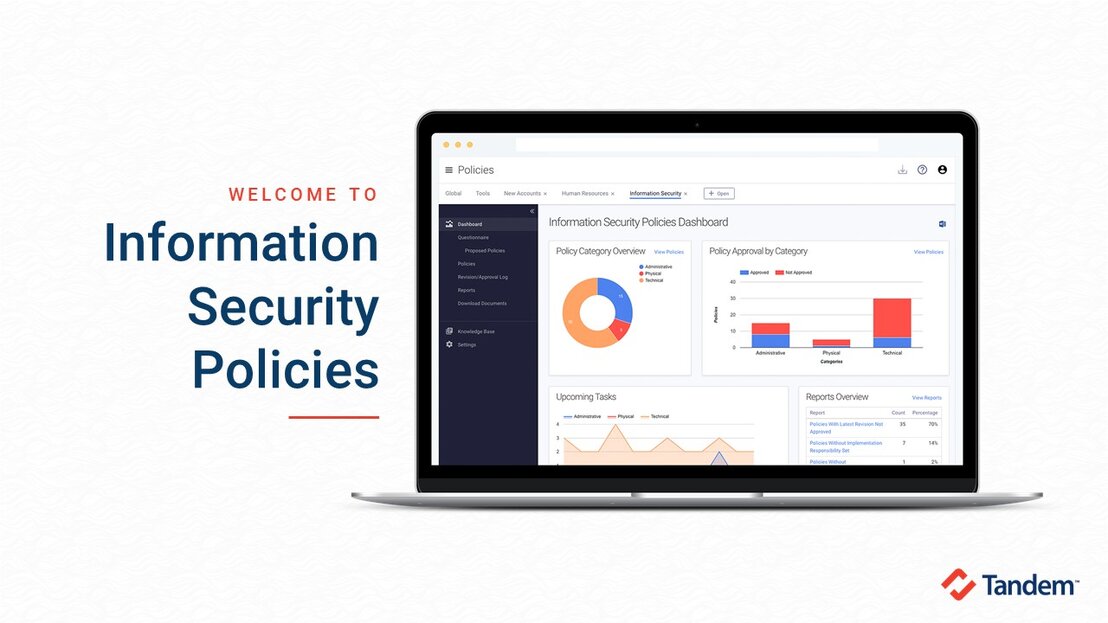
In this video, we review the importance of having an easily manageable information security policies set and demo the Tandem Policies product.
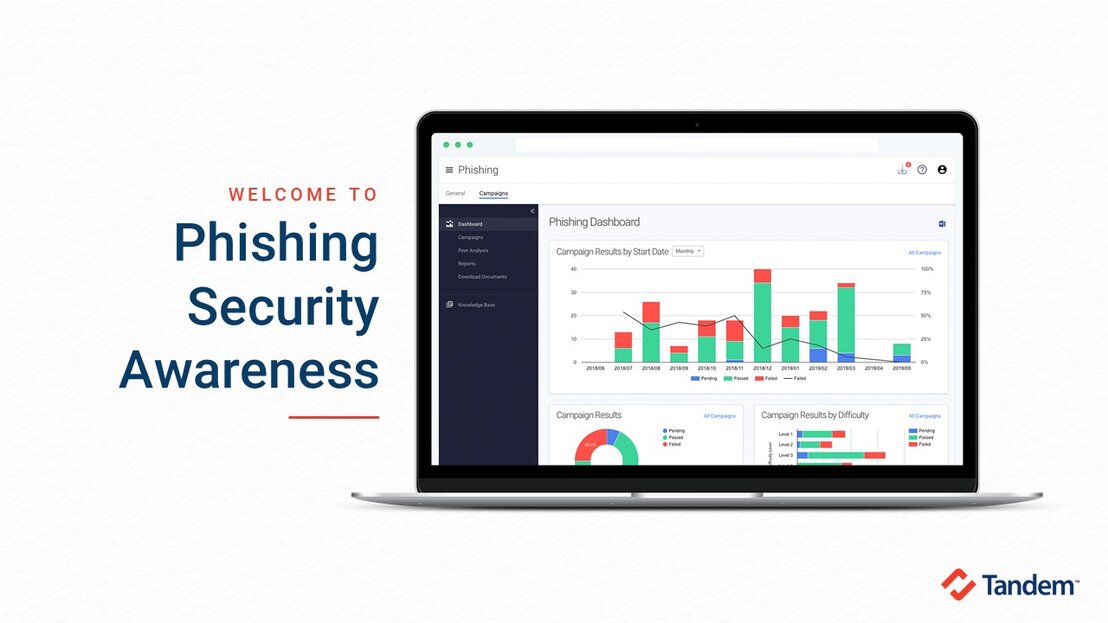
In this video, we discuss how easy it can be to educate your employees on the dangers of phishing and demo the Tandem Phishing product.
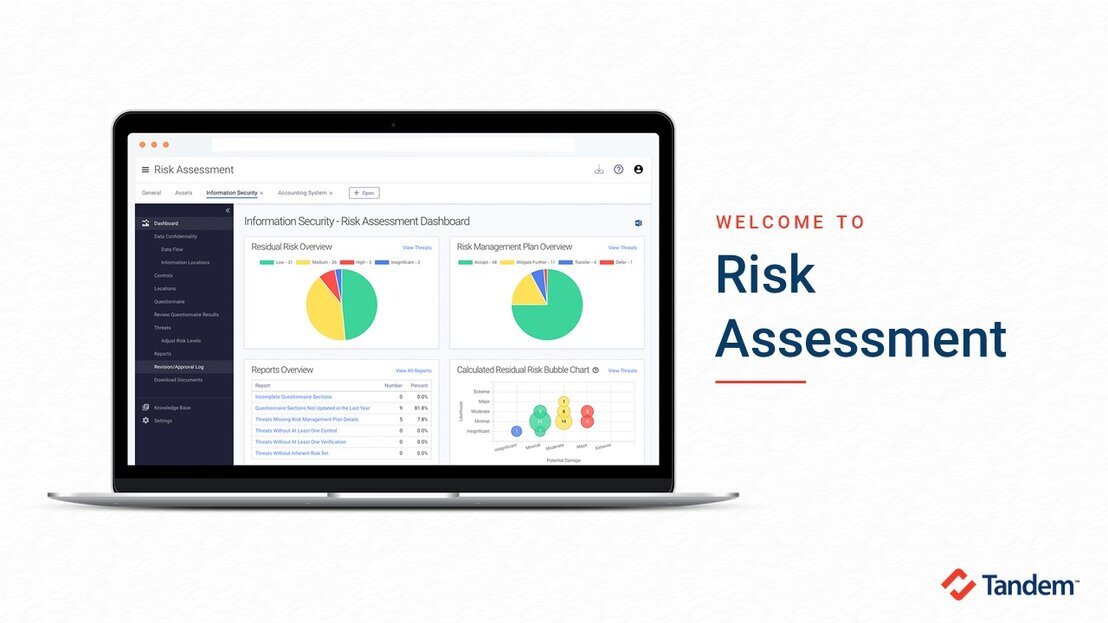
In this video, we review the process for conducting a GLBA compliant information security risk assessment and demo the Tandem Risk Assessment product.
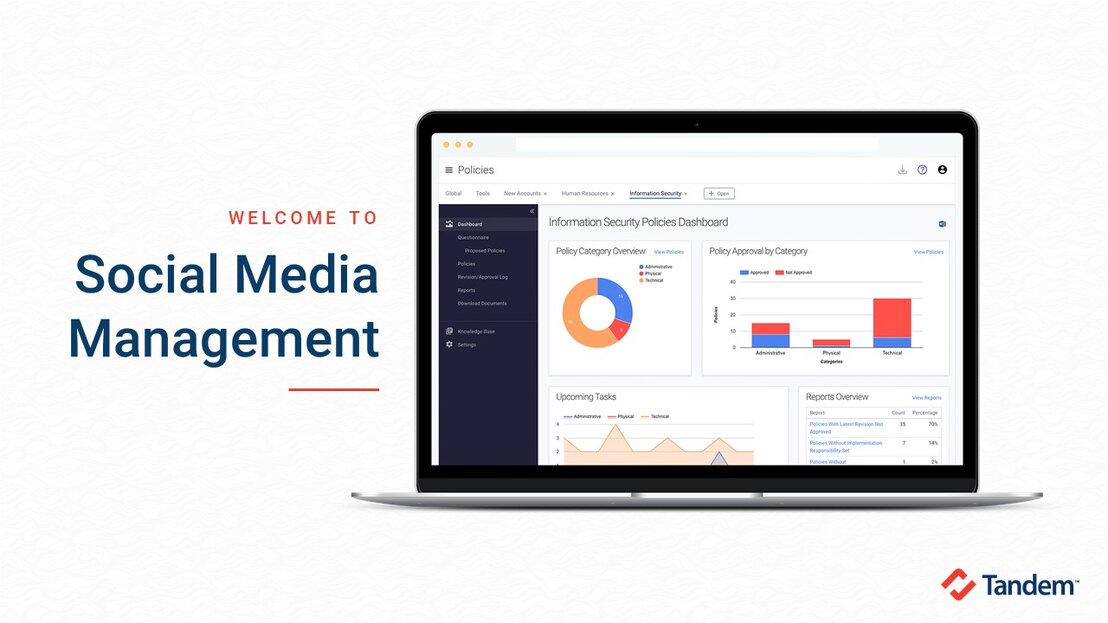
In this video, we review the FFIEC Social Media: Consumer Compliance Risk Management Guidance and demo the Tandem Social Media Management product.
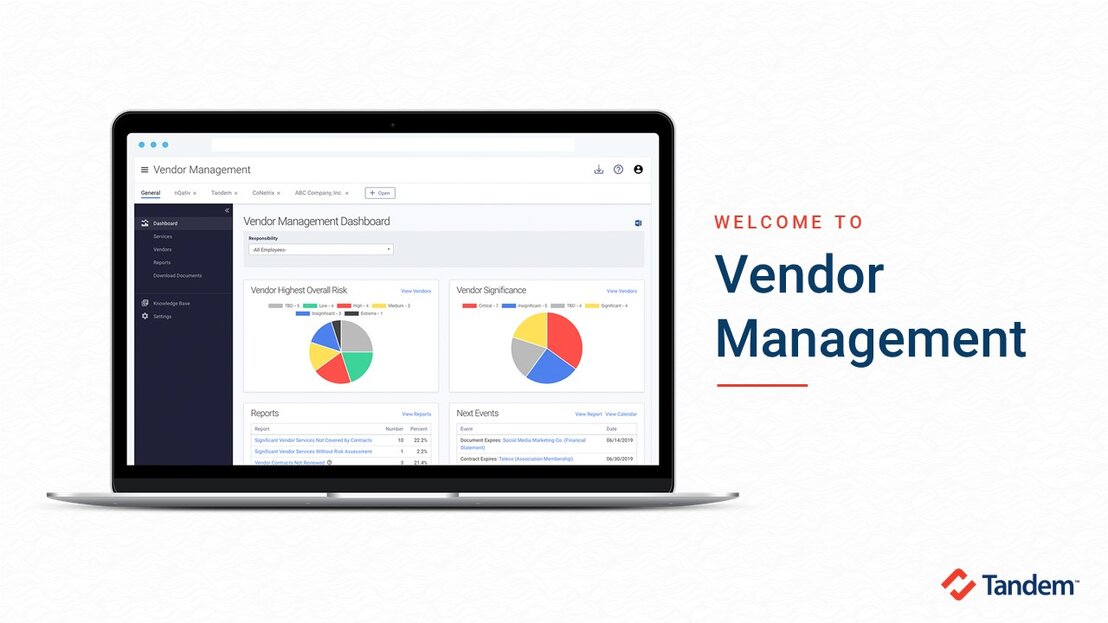
In this video, we review the regulatory requirements of a vendor management program and demo the Tandem Vendor Management product.